

You live in Sacramento, your sister lives in Reno, and neither of you wants to do the full drive to the other. Drop both cities into a halfway point finder and you’ll have your answer in about 30 seconds: a midpoint near Auburn, with drive times that split the trip almost evenly. Auburn happens to be a usable stop, with food, fuel, and parking right off I-80, so this one needs no adjustment. That’s the whole point, a fair spot where nobody does all the driving. The catch is that the exact geographic center sometimes lands in a place with nothing to eat, nowhere to park, and no restroom for miles. This post walks you through the fast method first, then the part most tools skip: how to shift that coordinate to a real town and confirm both of you still leave roughly even.
Find the Halfway Point in Under Five Minutes
A halfway point finder takes both addresses, calculates the midpoint, and returns the drive time from each side in about 30 seconds. Enter your start, enter the other person’s start, choose driving mode, and read the result. The goal isn’t a pretty coordinate. It’s a fair spot where neither party gets stuck with the longer haul. Most tools also list nearby places to eat or stay, which is what you actually need once you have the point.
Distance Midpoint vs. Driving-Time Midpoint
A straight-line midpoint splits the map. A driving-time midpoint splits the actual hours behind the wheel. Those are not the same when one route runs through traffic, a mountain pass, or a long detour around water. If both routes are roughly symmetrical, either works. If they aren’t, pick the time-based option. The person crossing the pass shouldn’t eat an extra hour just because the map says the center is exactly between you.
Quick Steps That Work Every Time
The input flow is short and the same on every tool:
- Enter the starting address or city for the first person.
- Enter the second person’s starting point.
- Choose driving mode (some tools add walking or transit).
- Read the midpoint plus the two drive times.
Zip codes and city names work fine when you don’t have a full street address. You don’t need exact house numbers to get a usable center.
The Tools Worth Using
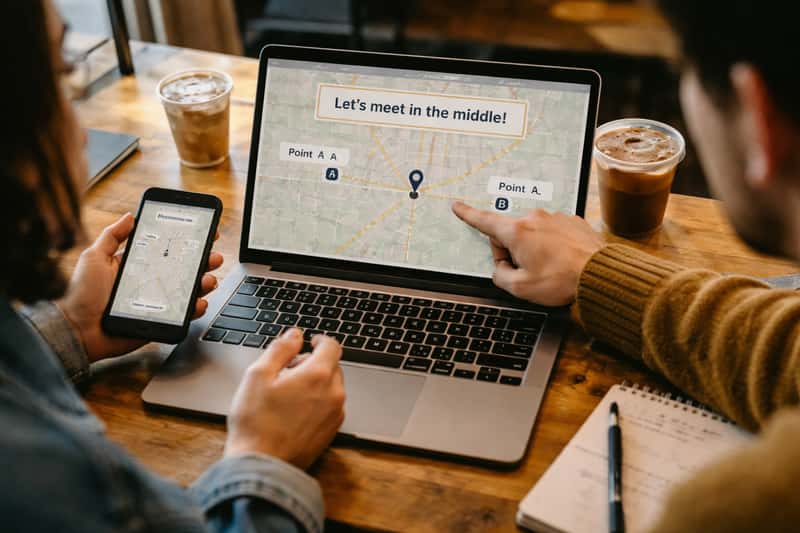
A few finders cover most needs, and they differ in ways that matter once you move past the math. Here’s what each does best:
- MeetWays (meet in the middle): enter two addresses and it returns the midpoint plus a category search, so you can ask for coffee, restaurants, or bars right at the center.
- Whatshalfway: strong on venue results, it layers in Yelp-style listings and ratings near the midpoint so you’re not just trusting a name on a map.
- Mappr: handles two to six starting points, the one to reach for when a group needs a single balanced meeting spot.
Pick one that surfaces places to stop and you’ve cut your planning in half.
Side-by-Side: What Each Tool Surfaces
The gap between a good tool and a bad one is what shows up after the calculation. Some return latitude and longitude and stop there. The better ones list where to actually meet, and a few handle three or more starting points the simpler calculators can’t.
| Tool | Driving-time midpoint | Nearby venue list | 3+ locations |
|---|---|---|---|
| MeetWays | Yes | Yes | No |
| Whatshalfway | Yes | Yes (rated listings) | No |
| Mappr | Yes | Yes | Yes (2 to 6) |
If you’re meeting one person by car, any of them work. If you’re coordinating a group, you need the multi-location support that Mappr offers and the two-point tools don’t.
What Google Maps and Apple Maps Can and Can’t Do
Neither maps app has a built-in halfway button. The workaround is to route the full trip between both addresses, then eyeball the center of the line and zoom in to find a town near it. It works in a pinch. The problem is you’re guessing at the midpoint and doing the venue search yourself. A dedicated finder calculates the point and lists the stops in one step, which is why it beats the manual method for anything more than a rough check.
When the Geographic Midpoint Lands Nowhere Useful
Here’s the part the tools rarely warn you about. The true center sometimes drops you on a freeway shoulder, in an empty field, or in a town with one closed gas station. The midpoint is a starting coordinate, not a destination. Treating it as the final answer is how two people end up parked on a gravel turnout with no restroom and no coffee, wondering why the “fair” spot felt like a mistake.
Shift the Stop to the Nearest Real Town
The fix is simple: slide the meeting point a few miles in either direction to the closest town with food, fuel, and restrooms. Giving up perfect symmetry for a usable stop is almost always the right trade. A meeting spot that works for both of you beats a precise coordinate that works for neither. Look for the nearest exit with a couple of options rather than the single dot the tool dropped.
Recheck the Drive Times After You Adjust
Once you nudge the stop, confirm both parties still leave roughly even. A ten-mile shift toward a town can add fifteen minutes to one side and shave it off the other. That’s enough to matter when someone’s on a tight window. Pull the adjusted address back into a maps app and check both drive times before anyone commits to a departure hour.
What Makes a Good Midpoint Stop
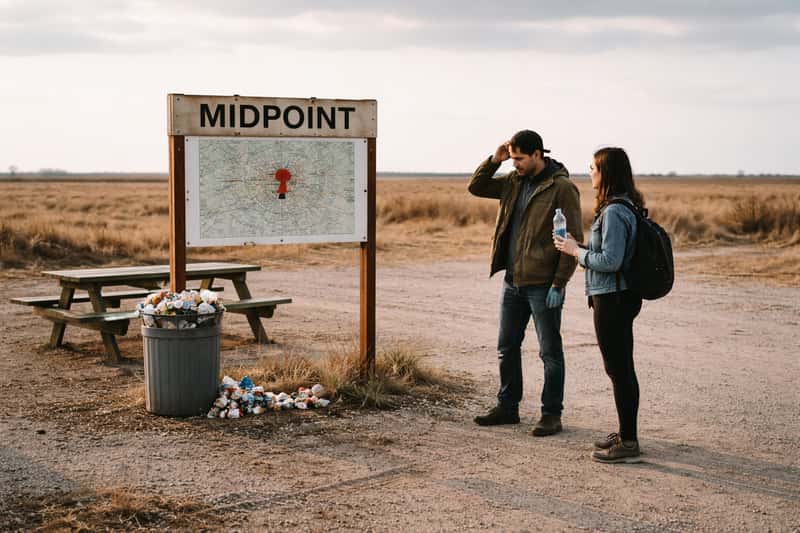
A meetup is time-constrained, not a leisurely detour. Judge a stop by whether it lets two people arrive separately, do the thing, and leave without friction. Run it against this checklist:
- Easy parking for two cars arriving at different times.
- Somewhere to eat or grab coffee within walking distance.
- Clean restrooms that don’t require a purchase.
- A place to sit if one person arrives early.
Hours and Lot Size: The Details That Sink a Stop
The checklist covers what a stop needs; these two settle whether it holds up under pressure. Check the hours before you commit, because a cafe that closes at 3 p.m. is useless for a 6 p.m. handoff, and confirm the lot is big enough that two cars circling at peak time aren’t fighting for one space. For evening custody exchanges, prioritize a lot with real overhead lighting so both parties can see each other arrive.
Matching the Stop to the Occasion
The right venue depends on why you’re meeting. A diner or fast-food lot works for a quick handoff where nobody’s staying. A park with parking and open space suits families with kids who’ve been belted in for hours. A hotel lobby or a sit-down cafe fits a longer catch-up where you actually want to talk.
Meetup Use Cases and How to Plan Each
People search this term for four main reasons, and each one changes how you pick the spot.
Weekend Reunions and Friends From Two Cities
When two parties pick neutral ground for a day or an overnight, the stop is the event, not a pass-through. Lean toward a town with a few food options and reliable parking rather than the bare midpoint. You want a place worth spending three hours in, so prioritize the venue over shaving five minutes off one drive.
Custody Exchanges and Recurring Handoffs
Here the priorities flip to consistency and safety: a well-lit, public spot with easy in-and-out access and clear sightlines. Lock in one reliable midpoint and use it every time instead of recalculating. A fast-food parking lot or a staffed gas station off a major exit tends to check every box and stays predictable for both sides.
Splitting a Long Drive Into Two Legs
Two people sharing one long route use the midpoint to swap drivers, refuel, and eat before the second leg. The center stop breaks an exhausting drive into two manageable halves. If you’re tackling a serious multi-hour route, our distance and route logistics guides cover how to plan the full journey, not just the swap point.
Handling Three or More Starting Points
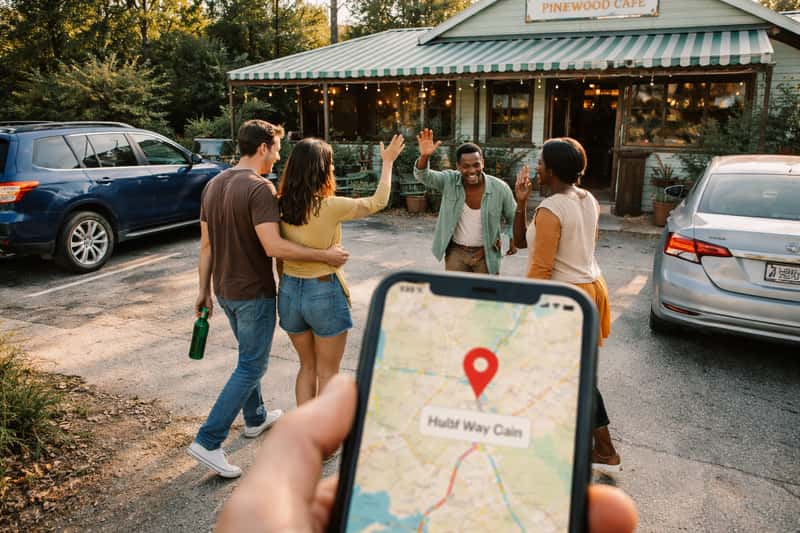
Group meetups get harder fast. Some finders accept up to six locations and calculate a center that balances everyone’s drive at once. Mappr is built for exactly this, taking two to six addresses and returning a single balanced meeting point with nearby venues attached. The catch is that fairness gets slippery with more people, since one person almost always sits farther from the balanced center than the rest. That makes the venue choice matter even more, because a great stop forgives an uneven drive in a way a mediocre one won’t.
Verify Your Numbers Before Everyone Commits
Distance answers vary across sources, so treat the finder’s output as a draft, not gospel. Cross-check the drive times in a maps app at your actual travel time, not at some empty 2 a.m. baseline. Account for the traffic you’ll actually hit, confirm the stop is open when you’ll arrive, and only then send the plan around. Five minutes of checking saves an hour of confusion.
Common Reasons Your Midpoint Looks Off
When the result feels wrong, it usually traces to one of three things:
- One address entered wrong, so the whole center shifts. Re-check both inputs first.
- The tool defaulted to straight-line distance instead of driving time. Switch to the route-based option.
- A route forced around water or mountains skews the center toward one side. Trust the time split over the map dot here.
Turn the Midpoint Into a Real Plan
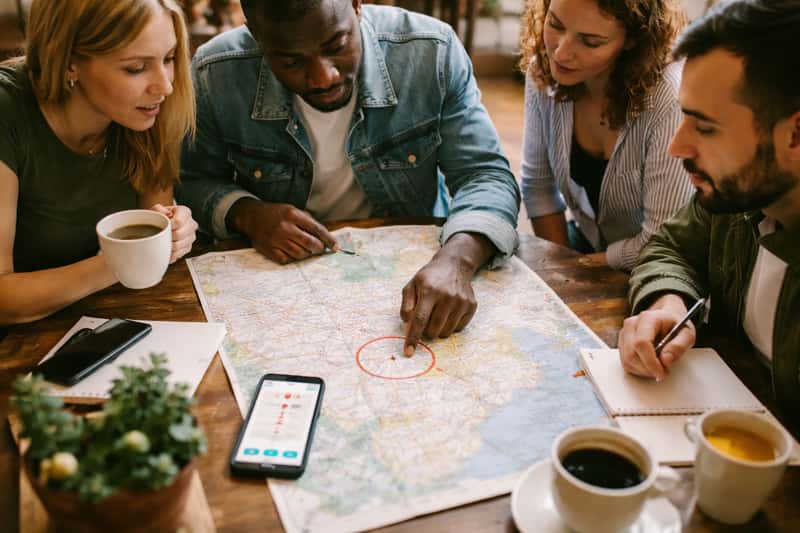
A coordinate isn’t a meetup until both people know exactly where and when. Pick the stop, then share the precise address and a dropped pin with the other party so nobody’s guessing. Agree on a meeting time that accounts for both drive estimates, including the longer one. Name a backup spot a few minutes away in case the first place is closed or packed when you arrive.
Tourist Gems Take
Stop reading and run it now: open MeetWays, type in both addresses, and read off the two drive times. Then move the pin to the nearest town with food and fuel and pull that address into your maps app to confirm both sides still leave roughly even. Once those two numbers hold up, send the pin and the meeting time to the other party. That’s the difference between a plan and a guess.
FAQs about halfway point finder
How do I find the halfway point between two addresses?
Enter both addresses into a dedicated finder, choose driving mode, and read the midpoint plus the drive time from each side. It takes about 30 seconds. City names or zip codes work when you don’t have full street addresses.
Is the halfway point based on driving time or straight-line distance?
It depends on the tool and the setting you pick. A straight-line midpoint splits the map; a driving-time midpoint splits the actual hours behind the wheel. Choose the time-based option when the two routes aren’t symmetrical.
Can I find a halfway point for three or more locations?
Yes. Some finders like Mappr accept up to six starting points and calculate a center that balances everyone’s drive. Fairness gets harder with more people, so the venue choice matters even more for group meetups.
What’s the best place to meet in the middle for a road trip?
Pick the nearest town to the midpoint that has food, fuel, restrooms, and easy parking for two cars. A usable stop beats a precise coordinate that lands in an empty field.
Why does the exact midpoint sometimes fall in a random field?
The geographic center is pure math and doesn’t care what’s actually there. It can land on a freeway shoulder or in a town with one closed gas station. Treat it as a starting coordinate and shift to the nearest real town.
Can a halfway point finder use walking or transit directions?
Some tools offer walking and transit modes alongside driving. These help when you’re meeting inside a city without cars. For most road-trip meetups, the driving-time mode is the one you want.
Is the geographic midpoint the same as the most practical meeting point?
Rarely. The geographic midpoint is a coordinate; the practical meeting point is a place with parking, food, and restrooms nearby. The most useful plan shifts the math toward a real stop and rechecks the drive times.
Can I find a halfway point between cities in different states?
Yes. Finders work across state lines the same way they work within one state. Enter both cities, get the midpoint, and check whether the nearest usable town sits just inside one state or the other.
How accurate are midpoint finders for long-distance trips?
They’re accurate enough as a starting point, but always cross-check the drive times in a maps app at your real travel time. Traffic, construction, and routing around mountains or water can skew the center on long routes.
How do I plan a custody exchange using a halfway point?
Find the midpoint, then pick a consistent, well-lit, public spot with easy in-and-out access near it. Lock in that one reliable stop and reuse it every time instead of recalculating for each handoff.